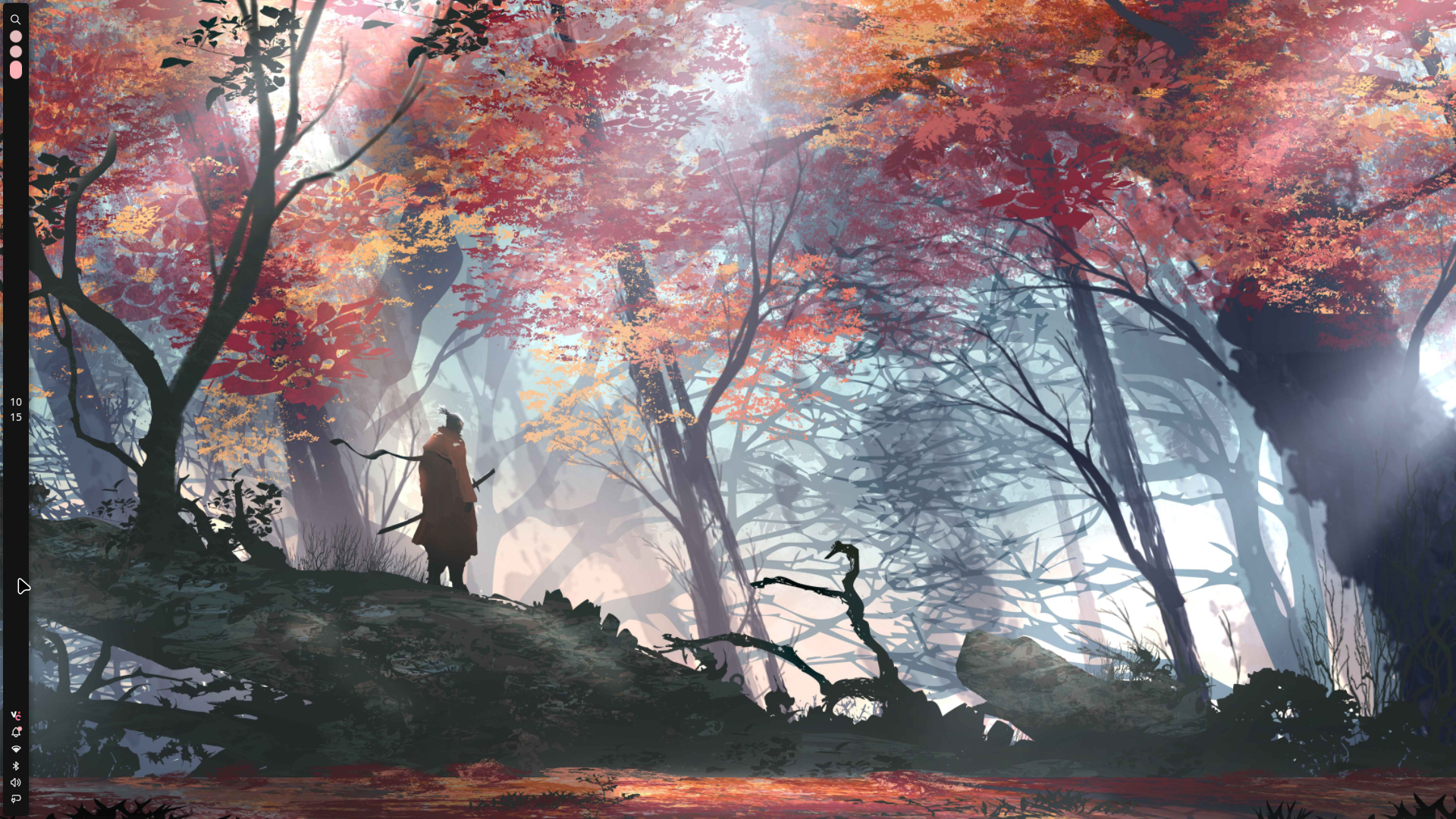
On all of my Linux computers which have desktop environments I’m using Niri as my desktop environment. I slowly migrated over to Niri from other options such as Sway, GNOME, or COSMIC for a couple main reasons. Niri hits the Goldilocks balance for me between being blazingly fast while also have just enough eye candy so it isn’t a complete eyesore. It also is built on top of GNOME’s toolkits and software, and while I may not like GNOME as a desktop environment their development toolkit (GTK) is the most robust option in my opinion.
To go along with Niri, I use Noctalia Shell for such things as my taskbar, application launcher, and widgets. This is more pragmatic than anything else as instead of having to manage multiple configuration files on a system it’s just one configuration file now. Also Noctalia is fast enough that any potential performance tradeoff is worth it as in real-world testing I can’t find any difference between the two.
My Niri configuration is build to heavily rely on Vim Motions, so my hands barely have to leave the keyboard. I would highly reccomend doing something like this in your own Niri setup as it keeps the workflows always familiar.
I break my keybinds into the following categories (note that Mod in my configuration is the Super key):
- Navigation/Focus: Mod+{key}
- Movement/Manipulation: Mod+Shift+{key}
- Sizing/Layout: Mod+Ctrl+{key}
- App launcher: Mod+Space or Mod+D